
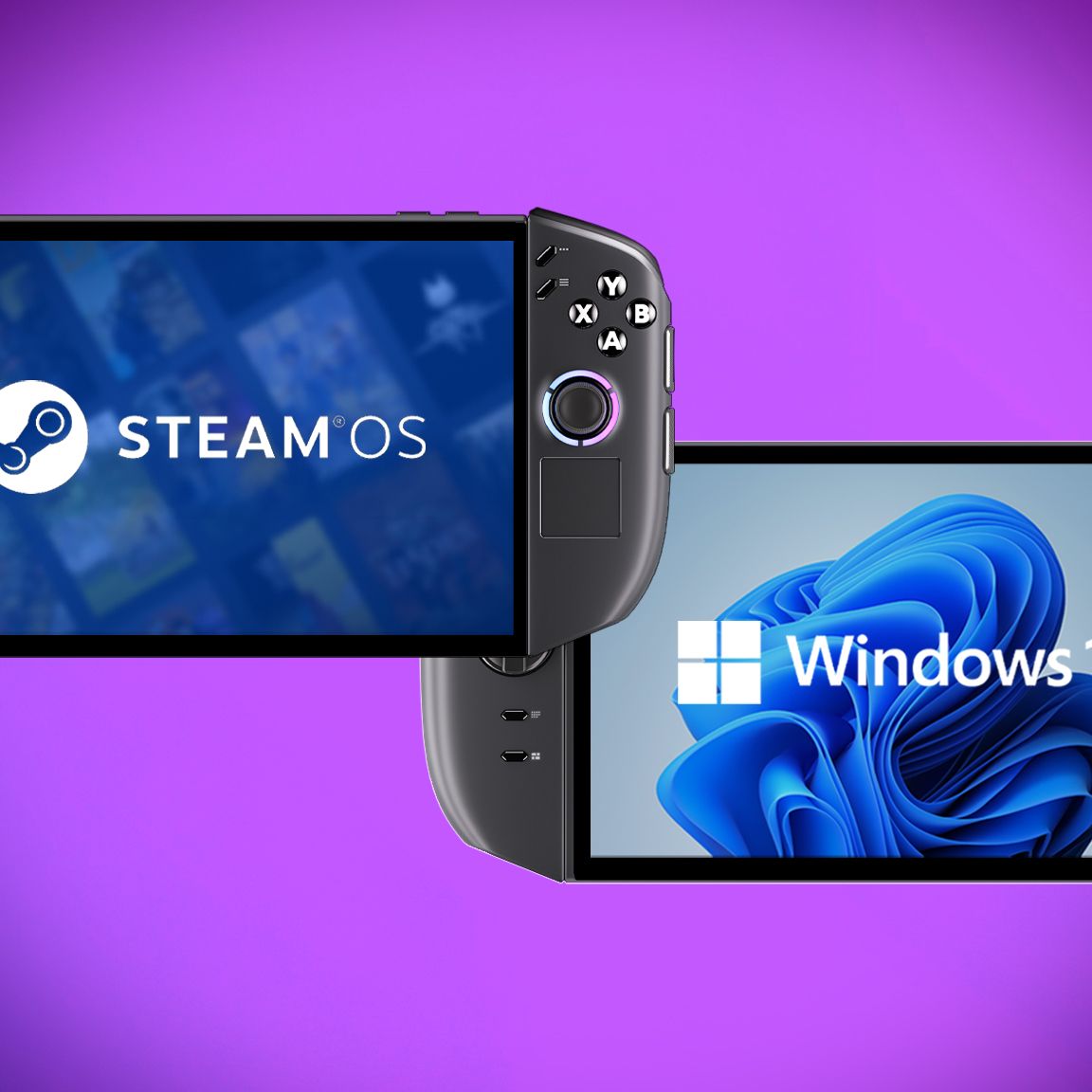
The Lenovo Legion Go 2 Windows version is the better buy for most users due to its lower starting price of $1,049.99, though the SteamOS version offers a more optimized performance experience, making it a strong alternative for those prioritizing efficiency and a streamlined interface over cost savings.
Price: Windows Version is the Bargain
When comparing the Lenovo Legion Go 2 models, the Windows version offers a more accessible entry point. Its starting price is set at $1,049.99.
This makes it surprisingly cheaper than the SteamOS variant. The SteamOS version of the Legion Go 2 carries a higher starting MSRP, which may surprise some consumers expecting a lower cost for the Linux-based alternative.
Ultimately, the Windows version of the Legion Go 2 is the clear price winner here, offering a lower starting cost for prospective buyers.
Performance: SteamOS Likely Takes the Lead
While both versions of the Lenovo Legion Go 2 share the same Ryzen Z2 Series processors and memory capacities, the SteamOS iteration is expected to perform more efficiently. This advantage stems from SteamOS being inherently more optimized for handheld gaming devices than Windows 11.
Windows 11, with its broader range of background processes, can consume more power and resources. In contrast, SteamOS is designed with a focused approach, dedicating more power to the gaming experience.
This optimization was observed in other devices, like the Xbox Ally X, which showed improved performance when running SteamOS. Therefore, it is highly probable that the Legion Go 2 will also see a performance boost when running SteamOS.
User Experience: Interface and Features
The Lenovo Legion Go 2 features an identical 8.8-inch OLED display, detachable controllers, and a versatile kickstand across both its Windows and SteamOS versions. The physical layout and button configuration are also the same, though the SteamOS version displays button icons that mimic the Steam Deck’s design.
Running Windows 11, the interface of that model presents a familiar experience akin to a standard gaming laptop or desktop. For enhanced security and convenience, a fingerprint reader is integrated on top, facilitating rapid logins.
The SteamOS version, while sharing the same hardware, offers a more console-like interface. It notably uses the same button icons as the Steam Deck, providing a consistent visual language for users familiar with Valve’s handheld.
Display and Hardware: A Shared Foundation
Both the Windows and SteamOS versions of the Lenovo Legion Go 2 are equipped with an impressive 8.8-inch OLED touchscreen. This display boasts a sharp 1920×1200 resolution and supports a fluid 144Hz refresh rate, along with Variable Refresh Rate (VRR) technology for smoother visuals.
Under the hood, configurations are consistent, featuring up to an AMD Ryzen Z2 Extreme processor, 32GB of RAM, and storage options reaching up to 2TB SSD. These specifications ensure robust performance for a wide range of games on either operating system.
The shared hardware foundation means that aspects like color range, contrast, and motion clarity are equally exceptional on both models, delivering a top-tier visual experience for all users.
| Feature | Windows Version | SteamOS Version |
|---|---|---|
| Starting Price | $1,049.99 | $1,199.99 |
| Processor | AMD Ryzen Z2 Series (up to Extreme) | AMD Ryzen Z2 Series (up to Extreme) |
| RAM | Up to 32GB LPDDR5X-8000 MHz | Up to 32GB LPDDR5X-8000 MHz |
| Storage | Up to 2TB M.2 2242 SSD | Up to 2TB M.2 2242 SSD |
| Display | 8.8-inch OLED, 1920×1200, 144Hz, VRR | 8.8-inch OLED, 1920×1200, 144Hz, VRR |
| Operating System | Windows 11 | SteamOS |
| Fingerprint Reader | Supported | Not Supported |
Operating System Differences: Windows 11 vs. SteamOS
The primary distinction between the Lenovo Legion Go 2 variants lies in their operating systems: Windows 11 and SteamOS. The Windows version offers broad compatibility, functioning like a traditional PC, which means direct access to browsers, diverse gaming services, and an extensive library of Windows-native applications right out of the box.
However, Windows 11 can feel convoluted on a handheld and suffers from background bloat, potentially impacting performance and efficiency. Microsoft’s Xbox FSE mode offers a more console-like experience, aiming to streamline the interface and reduce background processes, with further improvements planned for 2026.
SteamOS, on the other hand, is purpose-built for handhelds, providing a simpler interface. While it primarily accesses Steam games, tools like Decky Loader enable access to other platforms.
Game compatibility is managed via Proton, a translation layer for Windows games, though some titles, particularly those with aggressive anti-cheat systems, may not function flawlessly or require significant tweaking.
Connectivity and Ergonomics: Identical Design
The Lenovo Legion Go 2 maintains a consistent design across both its Windows and SteamOS iterations. Both handhelds feature the same overall layout, including offset Hall Effect joysticks designed to prevent stick drift. Detachable controllers offer flexibility, and a touchpad below the right joystick aids navigation.
The innovative FPS Mode on the right controller allows it to function like a mouse, beneficial for precise control in certain games and navigating menus. This feature is available on both versions, though its full utility on SteamOS’s handheld mode is yet to be fully explored.
Connectivity is also identical, with 2x USB4 Type-C ports supporting DisplayPort and Power Delivery, a microSD card reader up to 2TB, and an audio jack. Both devices can output to external displays via a docking station with a 65W power supply or higher.
Frequently Asked Questions
Which version of the Lenovo Legion Go 2 is less expensive?
The Windows version of the Lenovo Legion Go 2 is less expensive, with a starting price of $1,049.99, compared to the SteamOS version’s starting MSRP of $1,199.99.
Will the SteamOS version offer better gaming performance?
It is highly likely that the SteamOS version will offer better performance. SteamOS is more optimized for handhelds than Windows 11, which can lead to more efficient power usage and potentially higher frame rates.
Are there any differences in the display quality between the two versions?
No, there are no differences in display quality. Both the Windows and SteamOS versions of the Lenovo Legion Go 2 feature the same 8.8-inch OLED touchscreen with a 1920×1200 resolution and 144Hz refresh rate.
Can the fingerprint reader be used on the SteamOS version?
No, the fingerprint reader located on the top of the Lenovo Legion Go 2 is only supported on the Windows version. SteamOS does not natively support this biometric login technology.
Buy the Windows version of the Lenovo Legion Go 2 if: You prioritize a lower starting price and the broadest compatibility with PC games and applications out of the box, and you are comfortable managing a more traditional desktop operating system on a handheld.
Buy the SteamOS version of the Lenovo Legion Go 2 if: You are seeking the most optimized handheld gaming experience, value a streamlined interface, and are willing to pay a premium for potentially better performance and efficiency, or if you are invested in the Steam ecosystem and its tools.
The post Lenovo Legion Go 2 Windows vs. SteamOS: $1049.99 Windows is the Bargain appeared first on trendblog.net.