
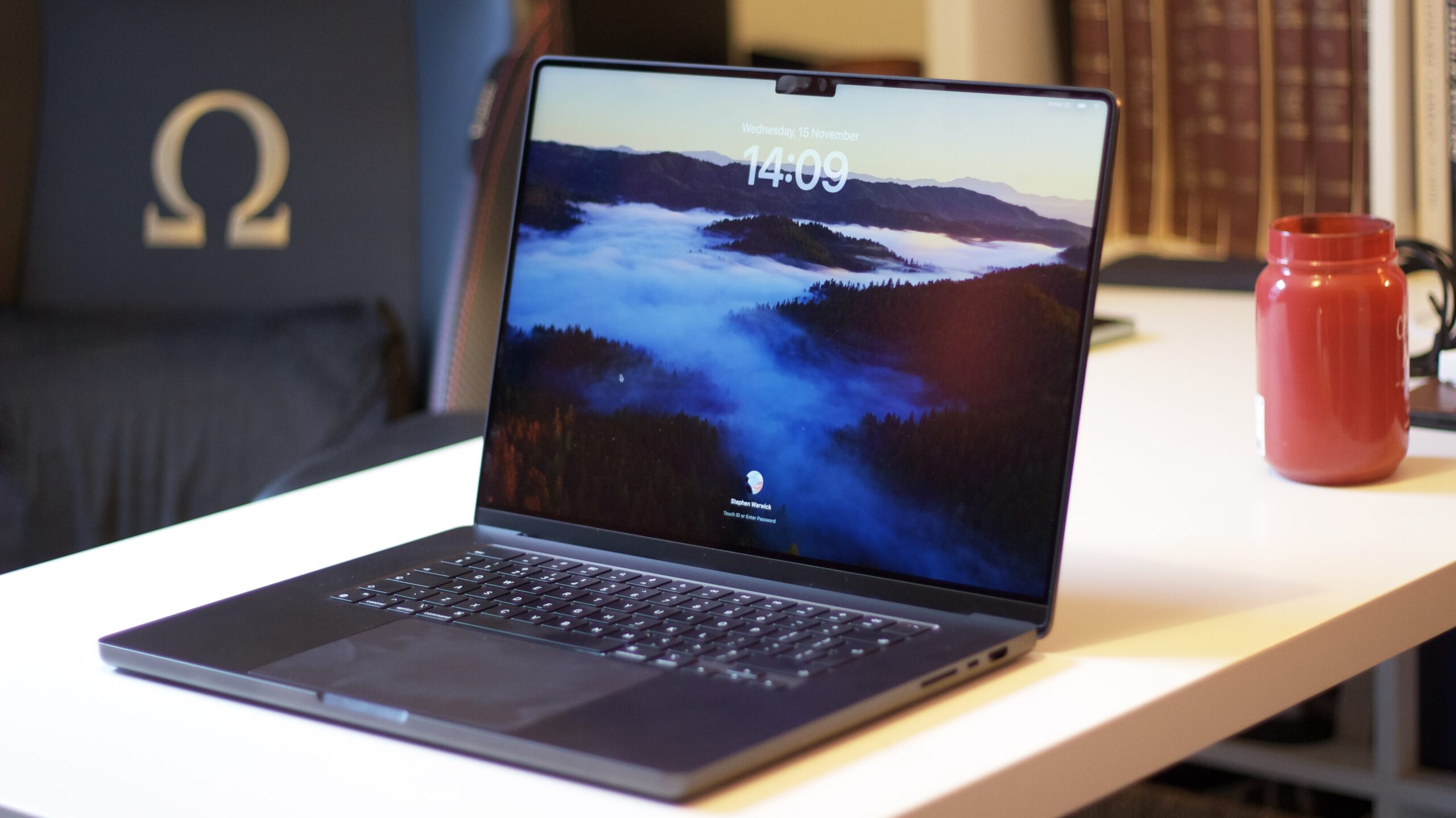
The MacBook Air is the best choice for most users due to its superior portability and lower starting price of $999, while the MacBook Pro is ideal for professionals needing maximum performance, a better display, and more cooling capabilities, starting at $1,599.
MacBook Air vs MacBook Pro: Design and Portability
The MacBook Air is designed to be slim and light, making it an excellent choice for everyday users who prioritize portability. Its super slick and thin chassis is a key selling point, offering a sleek aesthetic for users on the go.
In contrast, the MacBook Pro, while still aluminum, sacrifices some of that extreme portability. This trade-off is made to accommodate more robust cooling systems, a superior screen, and options for more powerful processors.
The size options also differ between the two lines. The MacBook Air is available in multiple sizes, typically including a 13-inch and a 15-inch model, each offering a balance of screen real estate and portability.
MacBook Air vs MacBook Pro: Performance and Capabilities
For those seeking the absolute pinnacle of laptop performance, the MacBook Pro is the clear option. It is built for users who demand the most power available in an Apple laptop.
Apple’s M-series chips power the entire MacBook lineup. Even the base M3 chip found in MacBook Air models delivers significant power, capable of handling complex and demanding tasks with ease. However, the Pro models offer configurations with more powerful M-series variants.
MacBook Air vs MacBook Pro: Price and Value
The MacBook Air models represent the more budget-friendly end of Apple’s laptop offerings, with the base M2 MacBook Air starting at $999. The 13-inch M3 MacBook Air is priced at $1,099, and the larger 15-inch M3 MacBook Air costs $1,299.
Conversely, MacBook Pro models begin at a higher price point. The 14-inch M3 MacBook Pro starts at $1,599, which is $300 more than the 15-inch MacBook Air. Higher-tier Pro models like the 14-inch M3 Pro MacBook Pro start at $1,999, and the 16-inch M3 Pro MacBook Pro begins at $2,399.
The 13-inch M2 MacBook Air remains available for purchase, serving as the most affordable MacBook option currently offered by Apple.
MacBook Air vs MacBook Pro: Customization and Upgrade Options
Both MacBook lines offer customization options, primarily through upgrades to RAM and SSD storage, which significantly increase the final price. Additional RAM and larger SSDs can be configured on Apple’s website.
For the M3 MacBook Air models, users can select up to 24GB of RAM in 8GB increments, with each $200 increase. SSD storage can be upgraded to 1TB for an additional $200, or to 2TB for $400. A more powerful M3 chip with an extra graphics core costs an additional $100.
Pro models offer similar upgrade paths for RAM and SSDs. The base M3 MacBook Pro can be configured with up to 24GB of RAM and a 2TB SSD.
More powerful M3 Pro and M3 Max chips are available, with the M3 Max potentially supporting up to 128GB of RAM for an additional $1,600. The largest SSD option available is 8TB, costing $2,400.
| Feature | MacBook Air | MacBook Pro |
|---|---|---|
| Starting Price | $999 | $1,599 |
| Portability | Slim and light | Less portable, more cooling |
| Processor Options | M2, M3 | M3, M3 Pro, M3 Max |
| Display | Liquid Retina (up to 500 nits) | Liquid Retina XDR (up to 1600 nits HDR), ProMotion (120Hz) |
| Max RAM Upgrade | 24GB | 128GB (with M3 Max) |
| Max SSD Upgrade | 2TB | 8TB |
MacBook Air vs MacBook Pro: Display Quality
The MacBook Air features Liquid Retina displays, available in 13-inch and 15-inch sizes. These screens offer a resolution of 2560×1664 and 2880×1864 respectively, with 500 nits peak brightness, P3 Wide Color, and True Tone technology.
For users requiring superior visual fidelity, the MacBook Pro models boast Liquid Retina XDR displays. These screens support HDR color and reach 600 nits for SDR content, climbing to a peak of 1600 nits for HDR content.
Key advantages of the Pro displays include higher resolutions – 3024×1964 for the 14-inch and 3456×2234 for the 16-inch – and ProMotion technology, which offers a dynamic refresh rate up to 120Hz for exceptionally smooth scrolling and motion.
MacBook Air vs MacBook Pro: Connectivity and Expansion
While the source material does not directly detail the specific ports for each model, it alludes to the MacBook Pro offering better capabilities for connecting external displays. The Pro and Max chips, in particular, allow for more extensive display compatibility.
The MacBook Air is generally equipped with the essential ports needed for most users, typically including Thunderbolt/USB 4 ports. However, the Pro models often feature a wider array of ports, potentially including HDMI and an SD card reader, to cater to professional workflows.
MacBook Air vs MacBook Pro: Target Audience
The MacBook Air is primarily designed for the average consumer. Its blend of portability, strong performance from the M-series chips, and more accessible price point makes it suitable for students, casual users, and professionals who don’t require extreme processing power.
The MacBook Pro is aimed squarely at power users and professionals. This includes content creators, software developers, graphic designers, and anyone whose work involves intensive applications such as video editing, 3D rendering, or complex data analysis. These users will benefit from the enhanced performance, superior display, and better thermal management.
Frequently Asked Questions
Which MacBook is better for everyday use?
The MacBook Air is better for everyday use. It offers excellent portability with a slim and light design, and its M-series chips provide ample power for common tasks like browsing, email, and document creation.
Is the MacBook Pro worth the extra cost?
The MacBook Pro is worth the extra cost if you need maximum performance for demanding professional tasks, a superior display with ProMotion and HDR, and more robust cooling for sustained heavy workloads.
Can a MacBook Air handle video editing?
Yes, a MacBook Air, especially models with M3 chips, can handle video editing for less demanding projects. For professional, complex, or 4K video editing, a MacBook Pro is recommended for its better performance and thermal management.
How many external displays can each MacBook support?
The MacBook Air typically supports one external display. MacBook Pro models, particularly those with M3 Pro and M3 Max chips, can support multiple external displays, offering greater flexibility for complex setups.
Buy the MacBook Air if: You prioritize a lightweight design for travel and everyday use, need a capable laptop for general productivity and entertainment, and are looking for a more affordable entry into the Apple ecosystem, with prices starting at $999.
Buy the MacBook Pro if: You are a creative professional or power user who requires the utmost performance for demanding tasks like video editing, 3D rendering, or software development, and you need a superior display with advanced features like ProMotion and HDR, with prices starting at $1,599.
The post MacBook Air vs MacBook Pro: Pro starts $1599, Air $999 for portability appeared first on trendblog.net.